
Login protection§
Warpgate has built-in, fail2ban-like protection against brute-force login attempts. It can automatically block offending IP addresses and lock out user accounts after repeated failures.
Failed login attempts are counted across all protocols.
You can configure login protection under Config > Global parameters > Login protection:
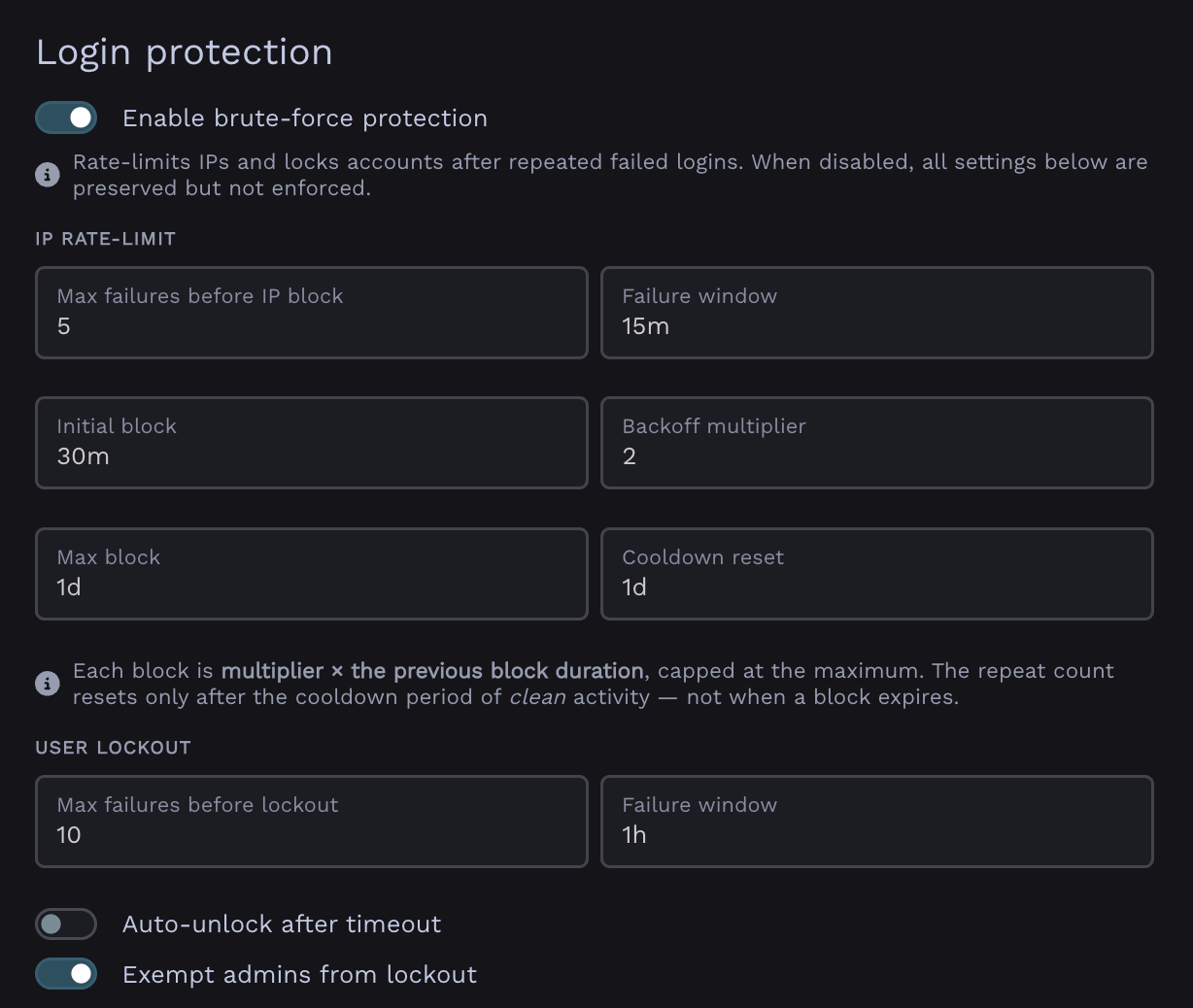
Login protection configuration in Global Parameters
IP blocking§
When an IP address exceeds the allowed number of failed attempts within the time window, it is temporarily blocked from logging in. Each subsequent block for the same IP lasts longer (exponential backoff), up to a configurable maximum.
- Max failures before IP block - failed attempts allowed before the IP is blocked.
- Failure window - the period over which attempts are counted.
- Initial block - duration of the first block.
- Backoff multiplier - each repeated block is multiplied by this factor (e.g.
2.0→ 30min, 1h, 2h, …). - Max block - the cap on a single block's duration.
- Cooldown reset - how long an IP must stay clean before its backoff counter resets.
User lockout§
In addition to IP blocking, Warpgate can lock individual user accounts after repeated failed attempts against them.
- Max failures before lockout - failed attempts allowed before the account is locked.
- Failure window - the period over which attempts are counted.
- Auto-unlock after timeout - if enabled, locked accounts are released after the auto-unlock delay; otherwise they stay locked until an admin unlocks them.
- Auto-unlock delay - how long an account stays locked when auto-unlock is enabled.
- Exempt admins from lockout - users with an admin role are never locked out (enabled by default).
Managing blocks and lockouts§
Admins can review currently blocked IPs and locked users, and clear them manually, from the Admin UI.
Blocked IPs and lockout records are retained for a configurable period (Keep records for) for auditing, after which they are pruned.