
Adding VNC targets§
Warpgate can proxy VNC (RFB) connections with the same authentication, access control and session recording as the other protocols. Users connect with a standard VNC viewer or open the desktop directly in their browser.
How it works§
Warpgate terminates the viewer's VNC connection over TLS (VeNCrypt) and authenticates the user with their Warpgate credentials, then connects to the upstream VNC server, sending the VNC password you configured on the target (if any). The session can be recorded.
Enabling the VNC listener§
Enable the VNC protocol in your config file (default: /etc/warpgate.yaml):
+ vnc:
+   enable: true
+   listen: '[::]:5900'
+   certificate: /var/lib/warpgate/tls.certificate.pem
+   key: /var/lib/warpgate/tls.key.pem
You can reuse the same certificate and key that are used for the HTTP listener.
Warning
enable_ard_auth: true additionally enables Apple-DH (ARD) authentication, which is not protected by TLS. Leave it off unless you specifically need ARD clients.
Connection setup§
Log into the Warpgate admin UI, navigate to Config > Targets > Add target, select VNC and give the new target a name. Fill out the configuration:
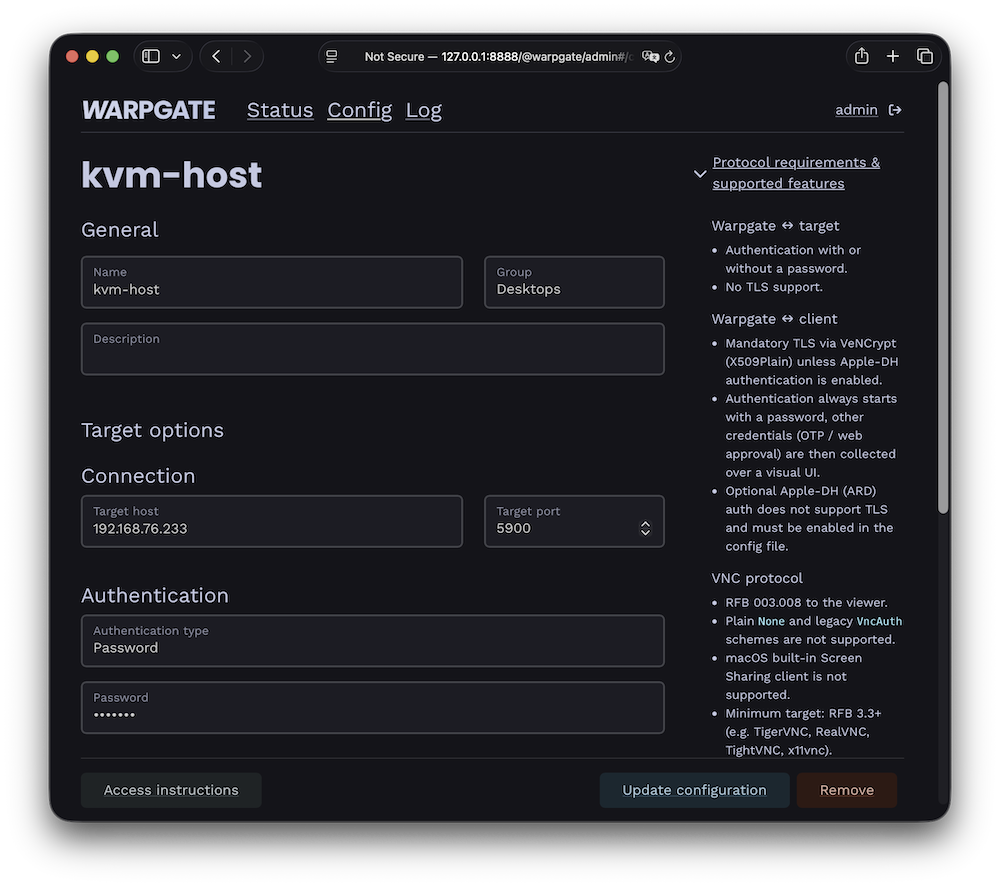
VNC target configuration
The target shows up on the Warpgate homepage for users who are allowed to access it.
Client setup§
Users can connect in two ways:
In the browser§
Clicking the target opens a web-based desktop client in a new tab — no local VNC viewer required:
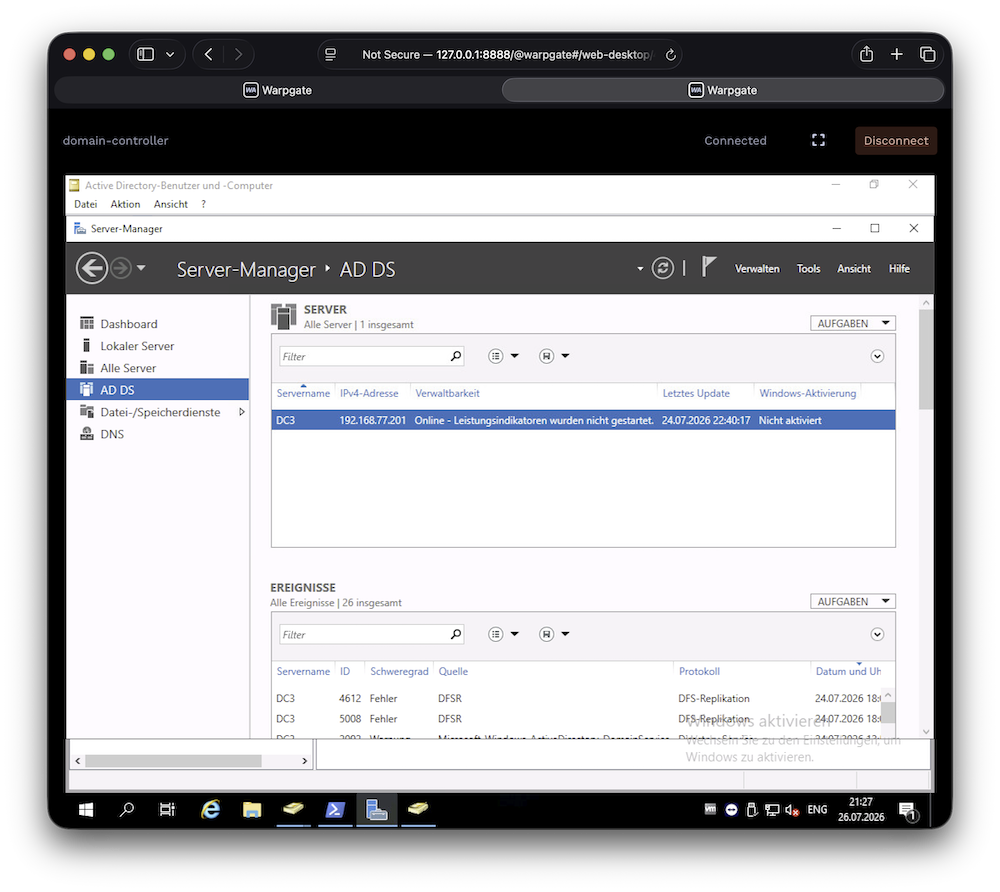
In-browser VNC desktop
The in-browser desktop can be turned off globally under Config > Global parameters, leaving users with connection instructions only.
With a native VNC viewer§
Your viewer must support VeNCrypt (X509Plain). Connect to:
- Host: the Warpgate host
- Port: the Warpgate VNC port (default: 5900)
- Username:
<user>:<target-name>(for exampleadmin:vm1) - Password: user's Warpgate password
A second factor (one-time password or in-browser approval) is collected on a holding screen inside the VNC session.
Session recording§
When session recording is enabled, VNC sessions are recorded and can be replayed from the Admin UI. Keyboard input recording can be disabled under Config > Global parameters > Session recordings (v0.29+) if capturing passwords is a concern.